USB-C, MiniSAS HD & OCuLink Cables: A Buyer's Spec Guide for Industrial and Server Builds
When a build leaves the lab and goes into a rack, a vehicle or a factory floor, the cable stops being a commodity. The phrase that separates a reliable harness from a field failure is custom USB C MiniSAS HD OCuLink industrial locking cable manufacturer — because industrial and server environments punish the consumer-grade connector. One supplier whose catalog is built around exactly these interconnects is Longkai Electronics, a manufacturer spanning communication cables (internal MiniSAS, MiniSAS HD, OCuLink) and industrial cables (USB-C 3.1 locking, Type-C locking).
This guide explains the connector families, the specs that decide whether a cable survives vibration and heat, and how to brief a custom cable manufacturer so you get parts that fit the first time.
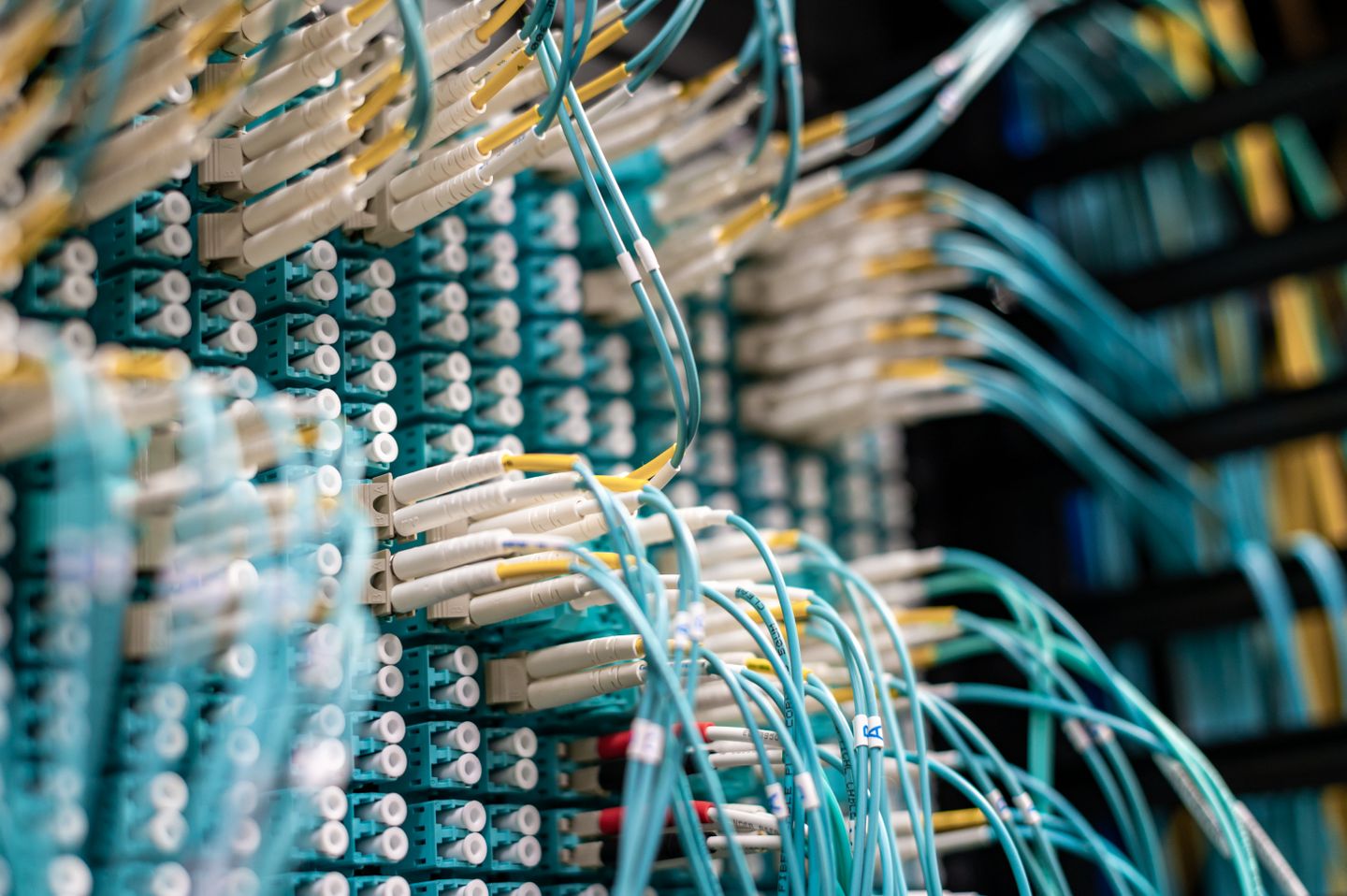
Why 'locking' matters in industrial USB
A standard USB-C plug walks out of its receptacle under vibration. On a machine that shakes, a loose connector means a dropped data link or a brownout on a power line. That is why the industrial variants use a locking mechanism — a screw, latch or clip that holds the plug seated. If your application moves, specify locking by default and treat the bare plug as a bench-only part.
Longkay's industrial tree includes Type-C 3.1 cable locking and USB cable locking families. The 3.1 generation carries the bandwidth for display, data and 100W-class power delivery over a single connector — useful when you want one cable for a panel-mounted controller rather than three.
MiniSAS and MiniSAS HD: the storage backbone
MiniSAS (SFF-8087 / SFF-8643) and its high-density successor MiniSAS HD are the workhorses behind server backplanes and external storage enclosures. The 'HD' version packs more lanes into a smaller connector with better signal integrity, which is why it dominates new backplane designs. If you are building a JBOD, a RAID shelf or a GPU cluster with direct-attached storage, you are almost certainly specifying MiniSAS HD.
The failure mode here is crosstalk and insertion loss at 12–24 Gbps. That is not a spec you can see; it lives in the cable's construction — twisted-pair geometry, shielding and the quality of the stamped contacts. Ask the manufacturer for the insertion-loss plot, not just the headline bandwidth.
OCuLink: PCIe over a cable
OCuLink (SFF-9400) carries PCIe signals — typically x4 — over a thin cabling, used for external GPUs, NVMe expansion and test equipment where you cannot put the card on the motherboard. It is the 'right' choice when you need PCIe reach without a full riser card. The risk is the same as MiniSAS HD: signal integrity at high lane rates, plus mechanical strain on a small connector.
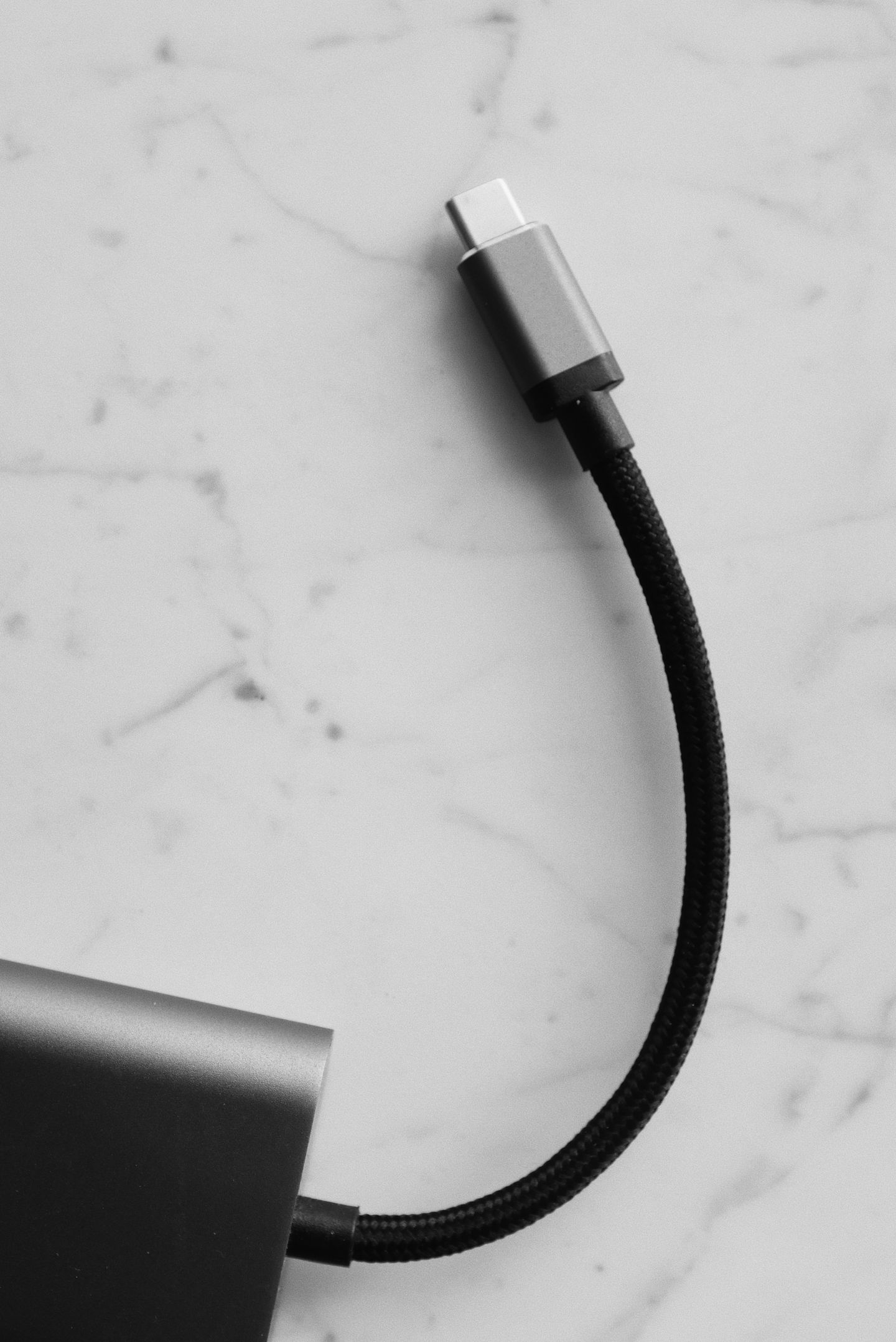
Longkai lists OCuLink under its communication-cable internal tree, which is the correct placement — these are precision interconnects, not power cords.
Spec table: which connector for which job
| Connector | Typical use | Key spec to request | Avoid if |
|---|---|---|---|
| USB-C 3.1 locking | Panel controllers, field devices, power+data | Lock type, 100W PD, EMI shield | Static bench use (use bare plug) |
| MiniSAS (8087/8643) | Server backplanes, RAID | Insertion loss @12G, gauge | New HD designs (use HD) |
| MiniSAS HD | Dense storage shelves | Loss @24G, latch retention | Legacy 6G only (use 8087) |
| OCuLink | External GPU, NVMe expansion | PCIe gen, strain relief | Long runs without support |
For the live category pages, see USB cable locking and the MiniSAS HD cable listing.
Construction details that decide lifespan
Four things separate an industrial cable from a retail one: the conductor gauge and stranding (fine stranding flexes without breaking), the shield (foil plus braid for EMI-dense sites), the jacket (TPE or PUR for oil, flex and temperature), and the overmold (a strain relief that actually relieves strain). On a robotic cell or a moving gantry, the jacket and stranding are what keep the cable alive past month six.
For OCuLink and MiniSAS HD, also confirm the contact plating (gold thickness) and the shell shielding continuity. A shielded cable with a broken shield bond is worse than no shield, because it radiates unpredictably.
Custom length, custom harness, custom label
A custom cable manufacturer earns its fee on three things: cut-to-length without a signal penalty, harness assembly (combing multiple interconnects into one loom with the right keying), and marking (printed labels that survive solvent and heat). Tell the factory the route — bend radius, fixed vs flexing, ambient temperature, nearby noise sources — and let them propose gauge and shield. If you just send a competitor's sample and say 'make this,' you inherit their design compromises.
How to write a cable brief the factory can actually build
Give the manufacturer: connector models on both ends (with the exact part numbers if you have them), target length and tolerance, signal type and rate per pair, required current, environment (temp, flex cycles, chemical exposure), shielding requirement, and labeling. Attach a drawing for any harness. The more precise the brief, the fewer prototypes you pay for.
Request a first-article sample with the insertion-loss or continuity report before releasing the full lot. One measured sample beats ten email assurances.
Frequently asked questions
Do I need locking USB-C on a static device?
No. Locking adds cost and a tool step. Use it only where vibration, pull or accidental disconnect is a real risk — field panels, vehicles, movable arms.
MiniSAS or MiniSAS HD for a new backplane?
MiniSAS HD for anything new at 12–24 Gbps. Use legacy 8087 only to match an existing older backplane.
Can OCuLink replace a PCIe riser?
For x4 reach to an external card or NVMe shelf, yes, within the cable's length and signal-integrity limits. Beyond that, use a proper riser or retimer.
What kills industrial cables fastest?
Unrelieved bend at the connector, wrong jacket for the chemical environment, and a shield bond that was never tested. All three are design issues, not luck.
How do I verify a custom cable lot?
Continuity + insertion-loss on a first article, then a sampled burn-in under your real flex/temperature profile. Keep the report with the lot number.
A signal-integrity check you can run yourself
You do not need a lab to catch a bad cable. For data cables, run a loopback throughput test at the rated rate for an hour and watch for CRC errors or dropped links. For locking USB-C carrying power, measure voltage at the device end under load — a drop of more than a few percent means undersized conductors or a poor contact. Keep the result with the lot number. A cable that passes on the bench but errors under load has a construction problem, not a test problem.
Cable labeling that survives the floor
On a real machine, a cable with no label is a future failure you cannot trace. Specify printed markers that survive solvent and heat, with the P/N, length and date code. For harnesses, demand a pin-out label at each breakout. The cost is trivial and the payoff is a technician who can replace a part in minutes instead of reverse-engineering your loom.
Overmold vs field-attachable
Overmolded connectors are sealed, strain-relieved and robust — right for production and harsh sites, but they are fixed: damage means replacing the whole cable. Field-attachable (receptacle + crimp) lets you cut to length and repair on site, at the cost of a weaker seal and more assembly skill. Pick overmold for shipped product, field-attachable for service loops and prototypes.
How to read a cable quotation (red flags)
A cable quote should name the connector brand or equivalent, the conductor gauge and stranding, the shield construction, the jacket material, and the length tolerance. Red flags: 'as per sample' with no sample spec, missing gauge, 'shielded' with no shield type, and a price that is far below the market for the stated build. The cheapest quote is usually the one that omitted the expensive part of the build. Make the spec table part of the PO so the quote is binding, not a wish.
First-article acceptance criteria
Accept the first article only against a written checklist: continuity on every conductor, no shorts, insertion-loss within the agreed band for data cables, pull-test on the overmold, and a flex test if the application moves. Keep the report with the lot number and use it as the reference for incoming inspection on the repeat lots. A first article you actually measure is the difference between a stable supply and a surprise.
Cable selection by environment (quick reference)
Match the build to the site before you spec anything else. Office or bench: a standard passive cable is fine. Light vibration (kiosk, panel): locking USB-C, braided shield. Harsh factory floor: fine-stranded conductor, foil-plus-braid shield, PUR or TPE jacket, overmolded strain relief. High-EMI server room: double-shielded MiniSAS HD or OCuLink with verified shield-bond continuity. Outdoor or washdown: jacket rated for UV and chemicals, sealed overmold. Writing the environment into the brief is what lets the factory propose the right build instead of the cheapest one.
Working with the factory on a custom drawing
A good custom cable starts with a drawing, not a sentence. Sketch each end: connector model, orientation, keying, and any backshell. Show the route with bend radius and fixed-versus-flexing segments, and mark the ambient temperature and any chemicals. Attach the signal table: pair number, signal type, rate, and required current. The factory quotes from the drawing, so a clear drawing yields a comparable quote and a first article that fits. A vague brief buys you a prototype you did not want and a second tooling charge.
Common mistakes buyers make
The recurring errors are predictable: buying on price alone and inheriting a missing shield; using bare USB-C in a vibrating site and living with dropouts; specifying a competitor's sample instead of the real requirement; skipping the first-article measurement; and assuming 'CE' on a sticker means certified. Each is cheap to avoid and expensive to discover in the field. The fix is boring but reliable — write the spec, measure the sample, and keep the report with the lot. Engineering discipline, not a bigger budget, is what makes industrial cabling quiet and durable.
Lead times, MOQ and how to plan around them
Custom cables are made, not picked. Typical lead time runs from two to six weeks depending on connector stock, shielding and overmold tooling, with MOQs that scale by complexity — simple harnesses may start low, precision high-speed links higher. Plan purchases against your build schedule, not your panic. For ongoing needs, negotiate a blanket order with scheduled releases so the factory holds connector stock for you and your lead time shrinks to production only. A steady release schedule is also what earns you priority when the connector market tightens, because the factory can see your volume coming.
Conclusion
Industrial and server cabling is an engineering purchase, not a bulk buy. Match the connector to the signal and the environment, specify locking where motion exists, and brief the manufacturer with signal rates and route conditions rather than a photocopy. For a catalog that already covers USB-C locking, MiniSAS HD and OCuLink under one roof, start at Longkai Electronics and narrow by connector family.
Standards and references. Serial Attached SCSI; ASTM International; SNIA


评论
发表评论